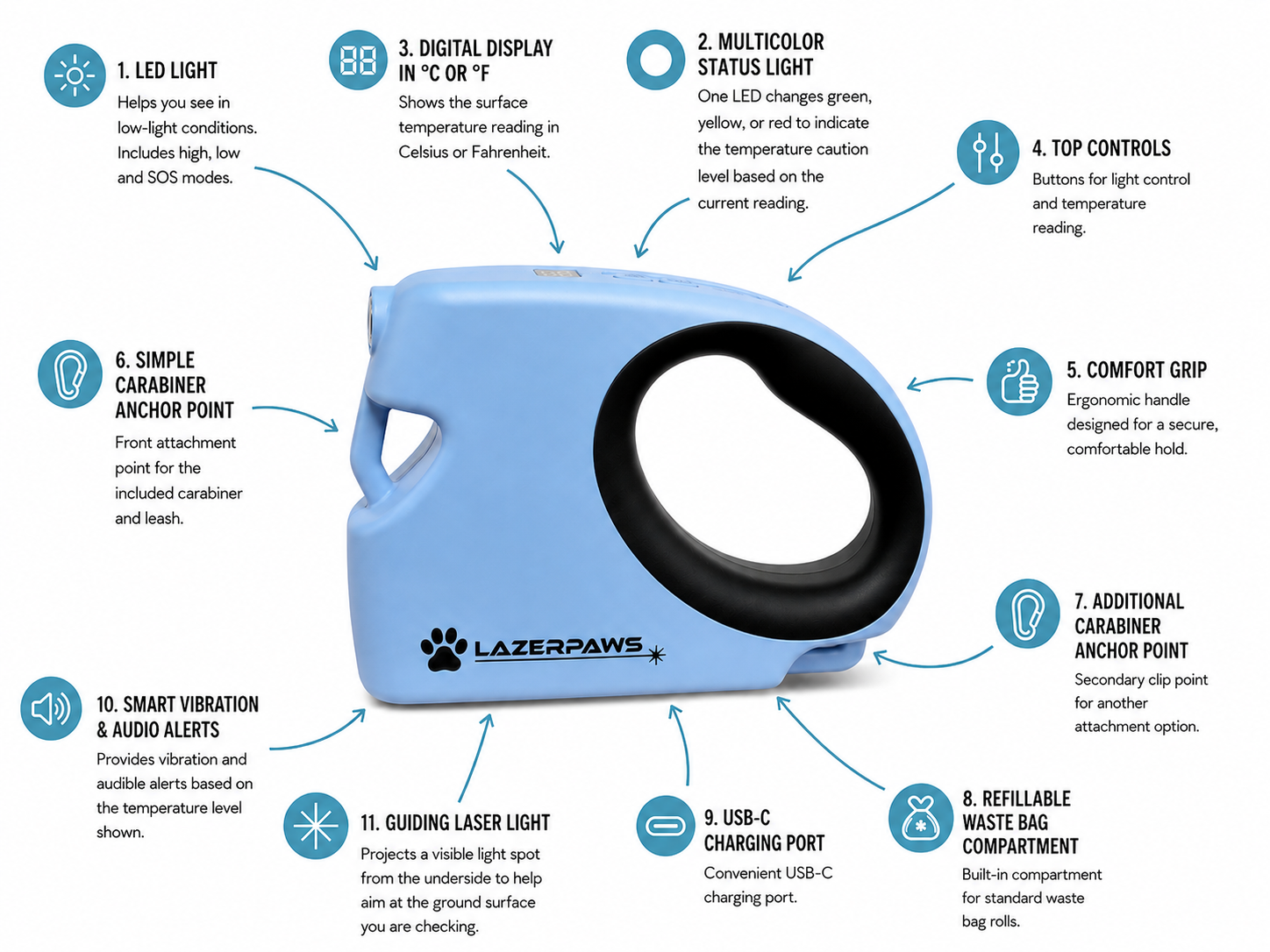
Here’s what each part of the device does, matched to the layout above.
01
Guiding laser light
Projects a visible spot on the ground so you know exactly which surface you’re checking.
02
Non-contact IR sensor
Reads the surface temperature without touching the ground. Press the top button for a fresh reading any time.
03
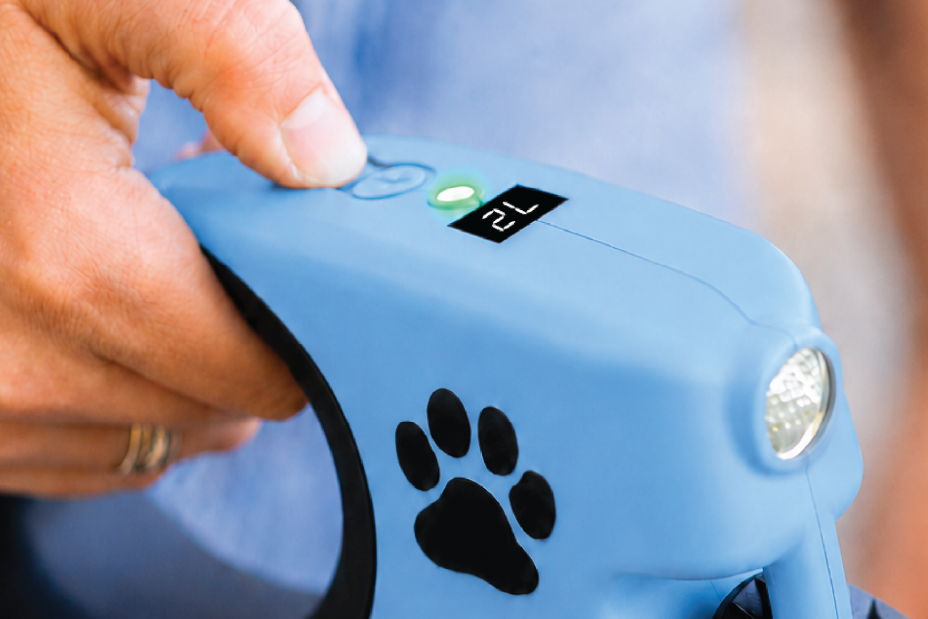
Digital display, °F or °C
Shows the surface temperature right on the device, in Fahrenheit or Celsius.
04
Color status light
Turns green, yellow or red so you can read the caution level at a glance.
05
Vibration and audio alerts
Buzzes and beeps based on the temperature level, so you know even without looking.
06
LED light with SOS mode
High and low settings for early mornings and late walks, plus an SOS flashing mode.
07
Refillable waste bags
A built-in compartment that holds standard waste bag rolls. Bags included.
08
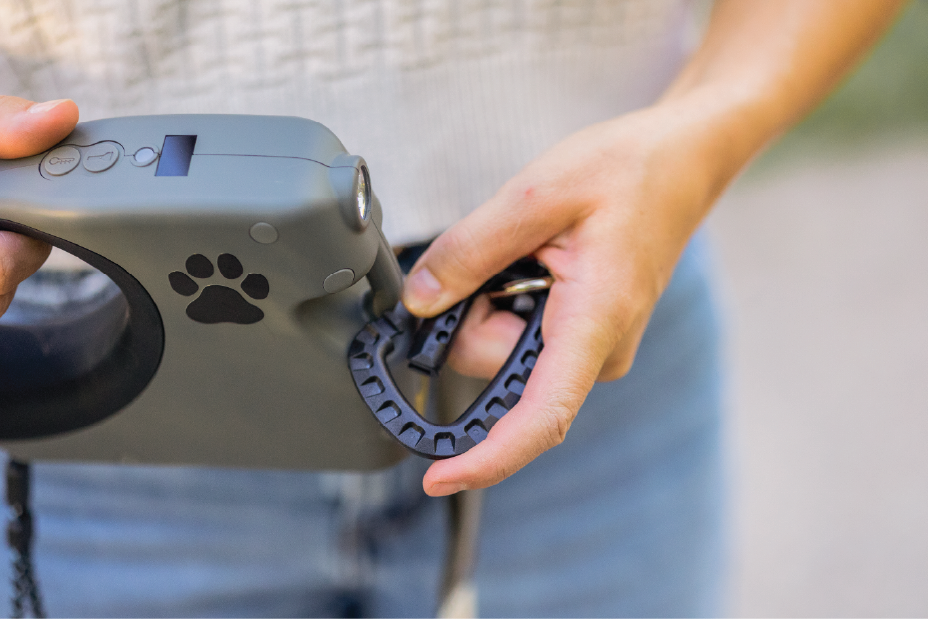
Two carabiner anchor points
Clip on the included carabiner and your own leash. Not retractable, on purpose: vets advised against it.
09
USB-C charging
A built-in rechargeable battery with a standard USB-C port. No disposable batteries.
10
Comfort grip
An ergonomic handle designed for a secure, comfortable hold on every walk.